🎨
Brand-new design
A cinematic interface rebuilt for every screen size, from a 6-inch phone to a 77-inch OLED.

One app, nine platforms, one login. Rebuilt from scratch around the features people actually use every day — not a feature list nobody opens.
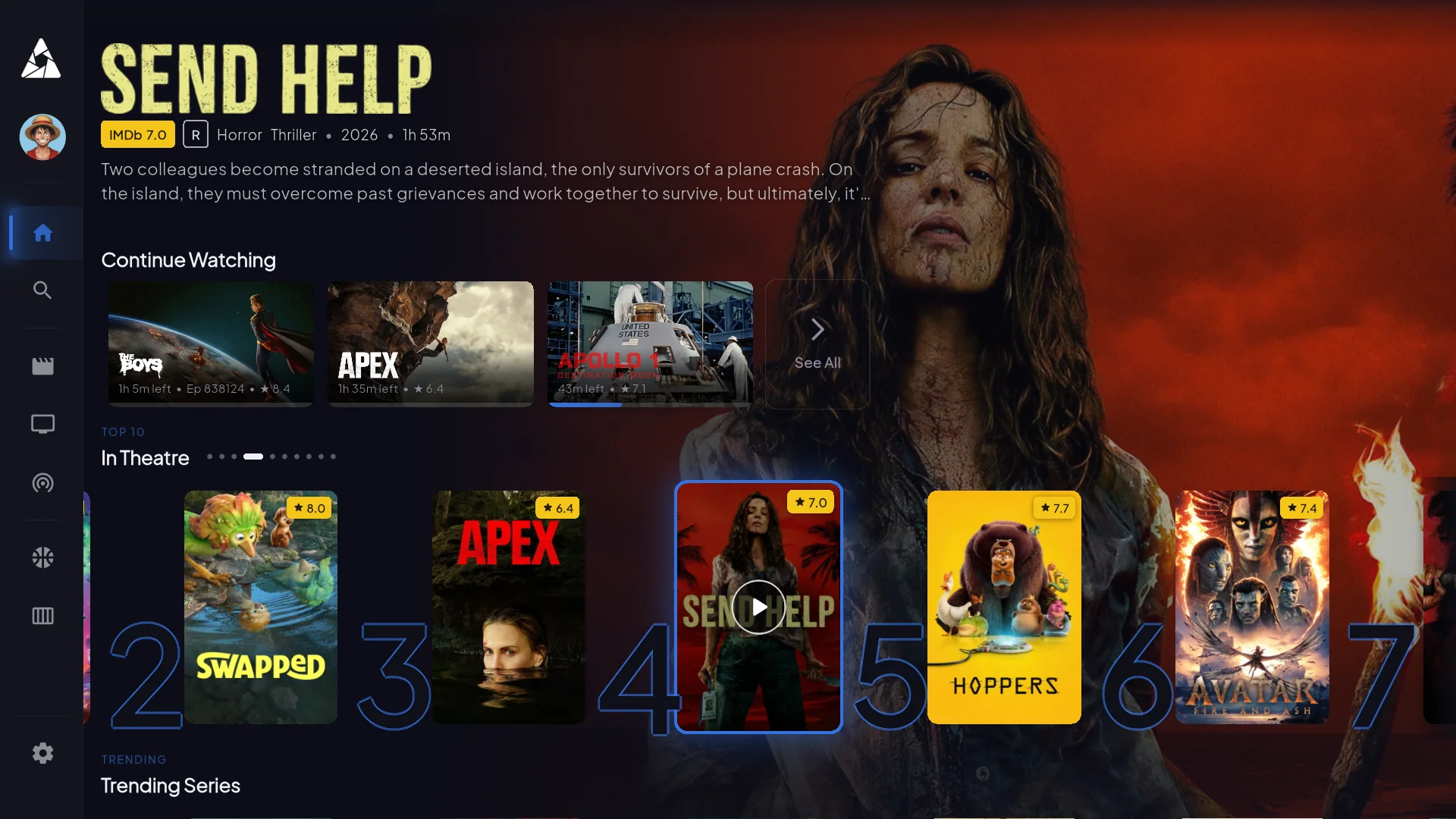
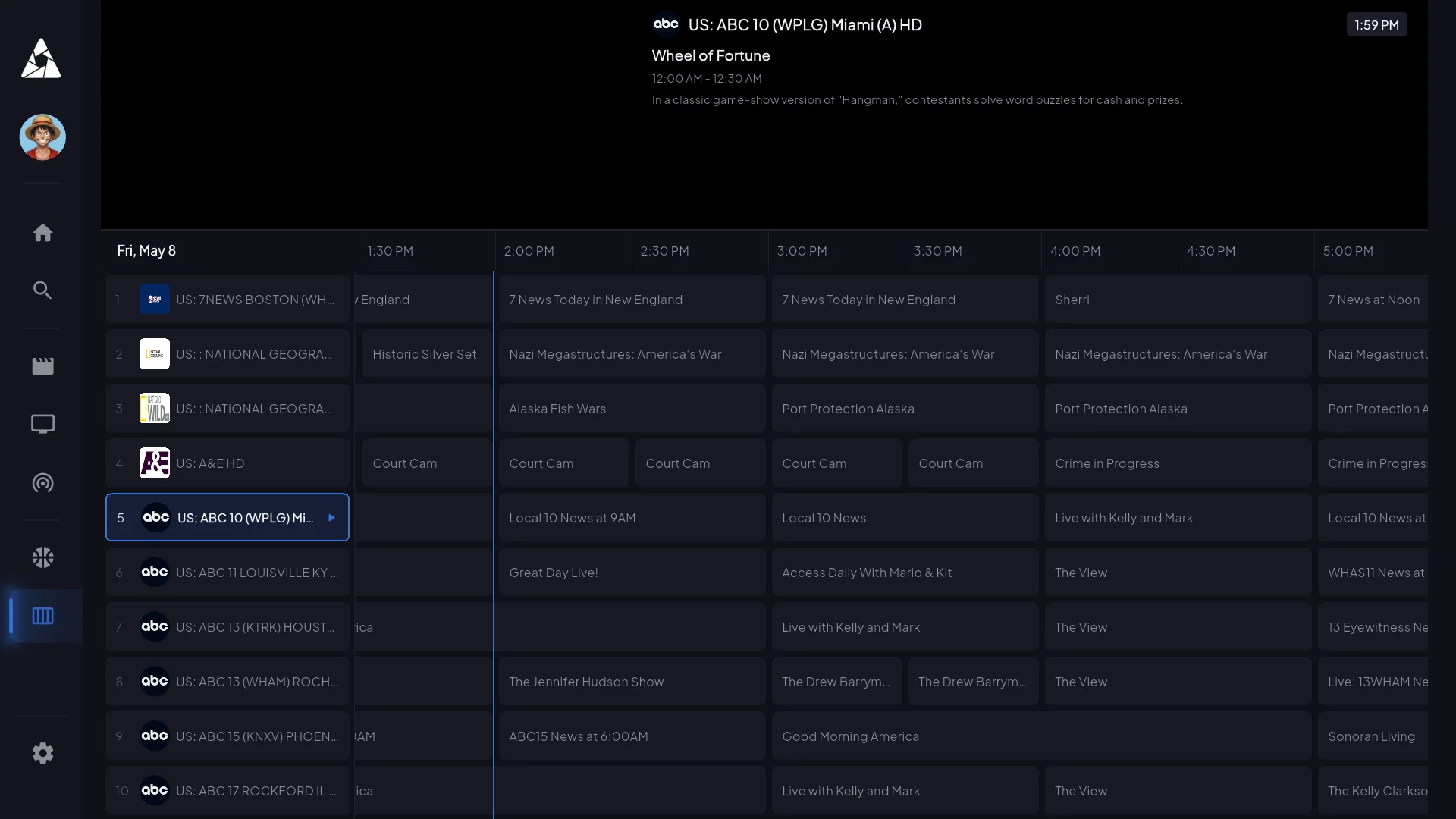
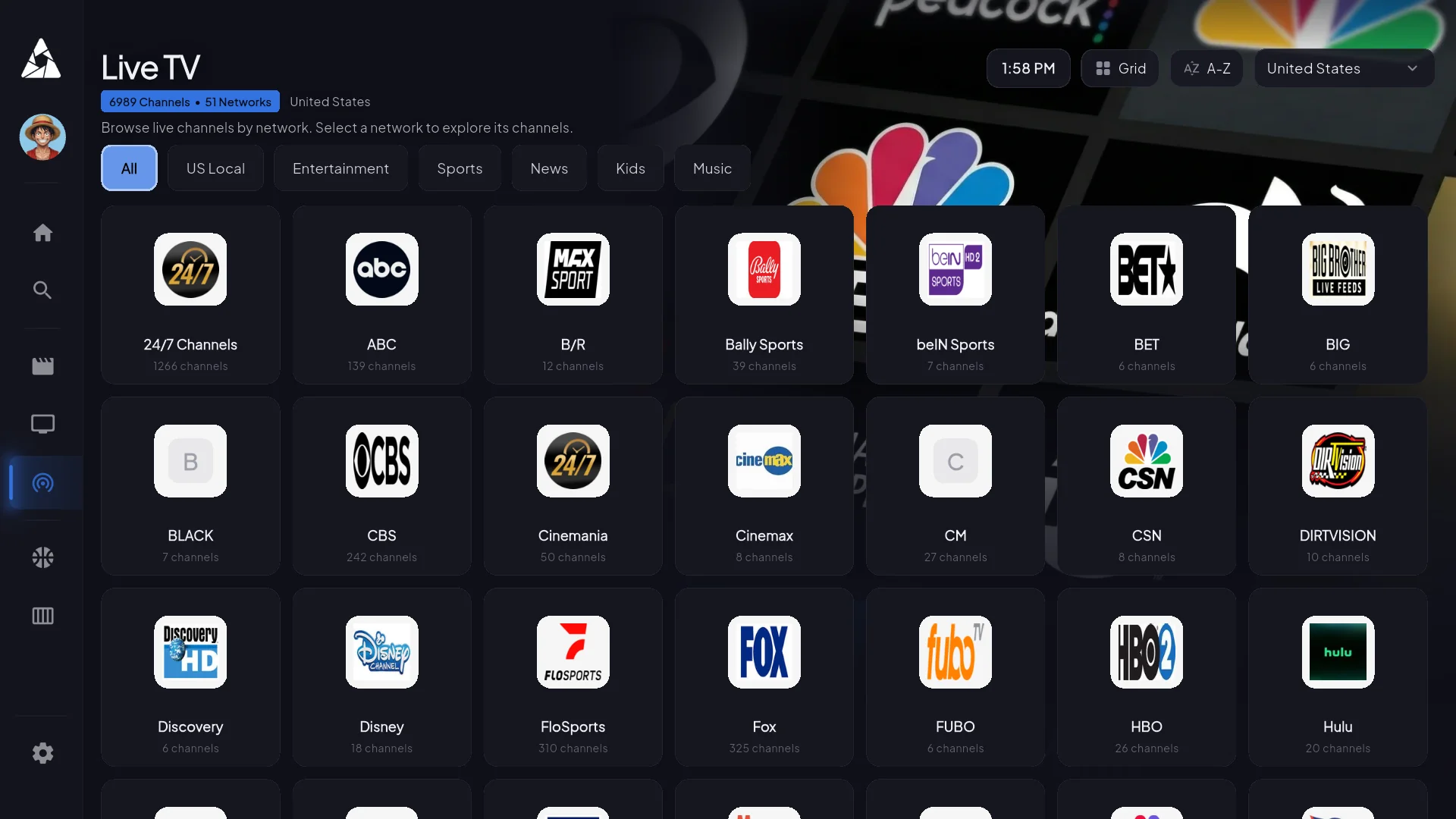
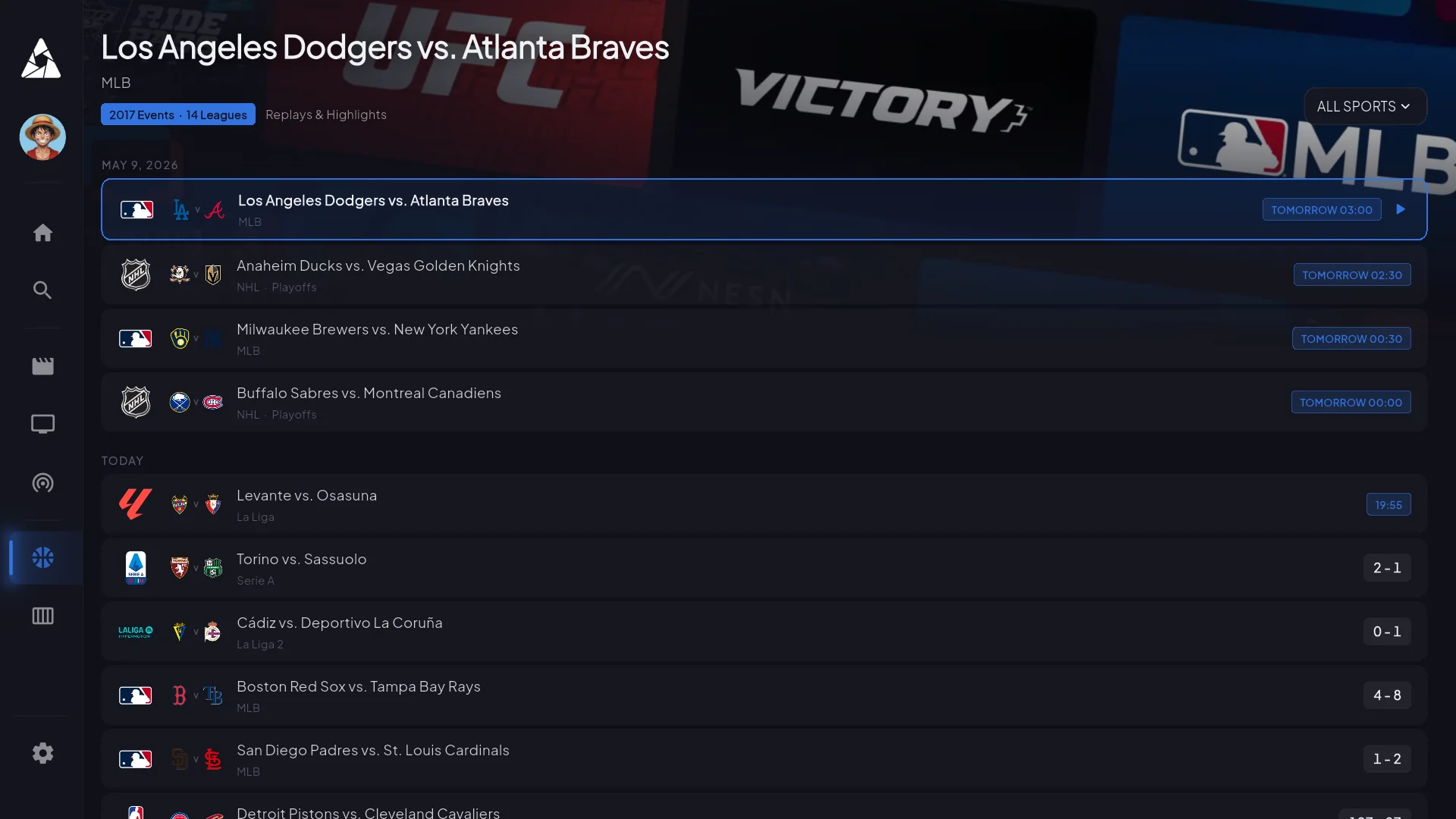
A cinematic interface rebuilt for every screen size, from a 6-inch phone to a 77-inch OLED.
The full programme guide is built into live TV — not a separate tab you have to remember exists.
Real-time scores and standings update while the game is playing on screen.
Up to five profiles per account, with a PIN-protected kids profile.
Start on the phone, finish on the TV — playback progress syncs across devices.
Save anything you spot; build your own collections by genre, mood or whatever you like.
Save live TV straight from the programme guide on supported platforms.
Cast, IMDb rating, trailers and similar titles on every film and series.
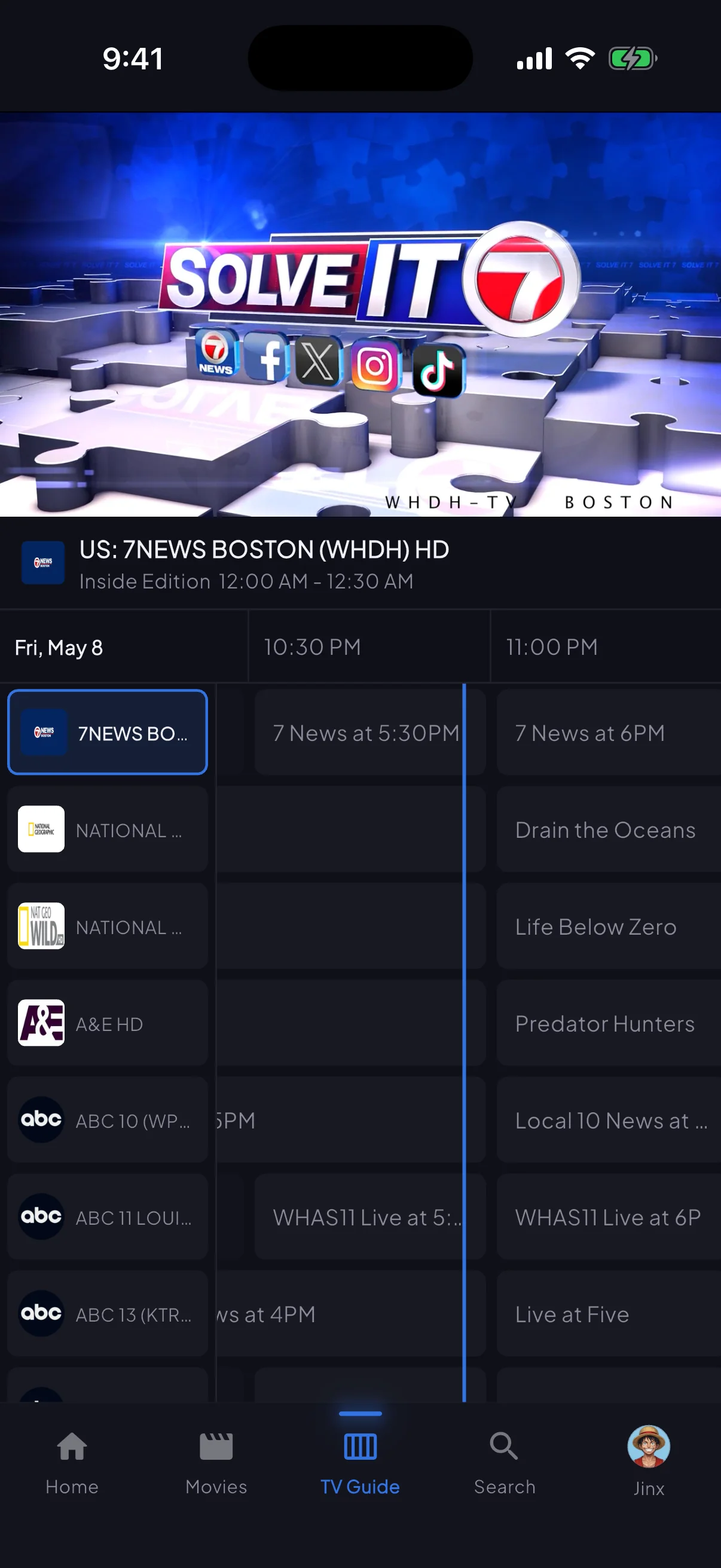
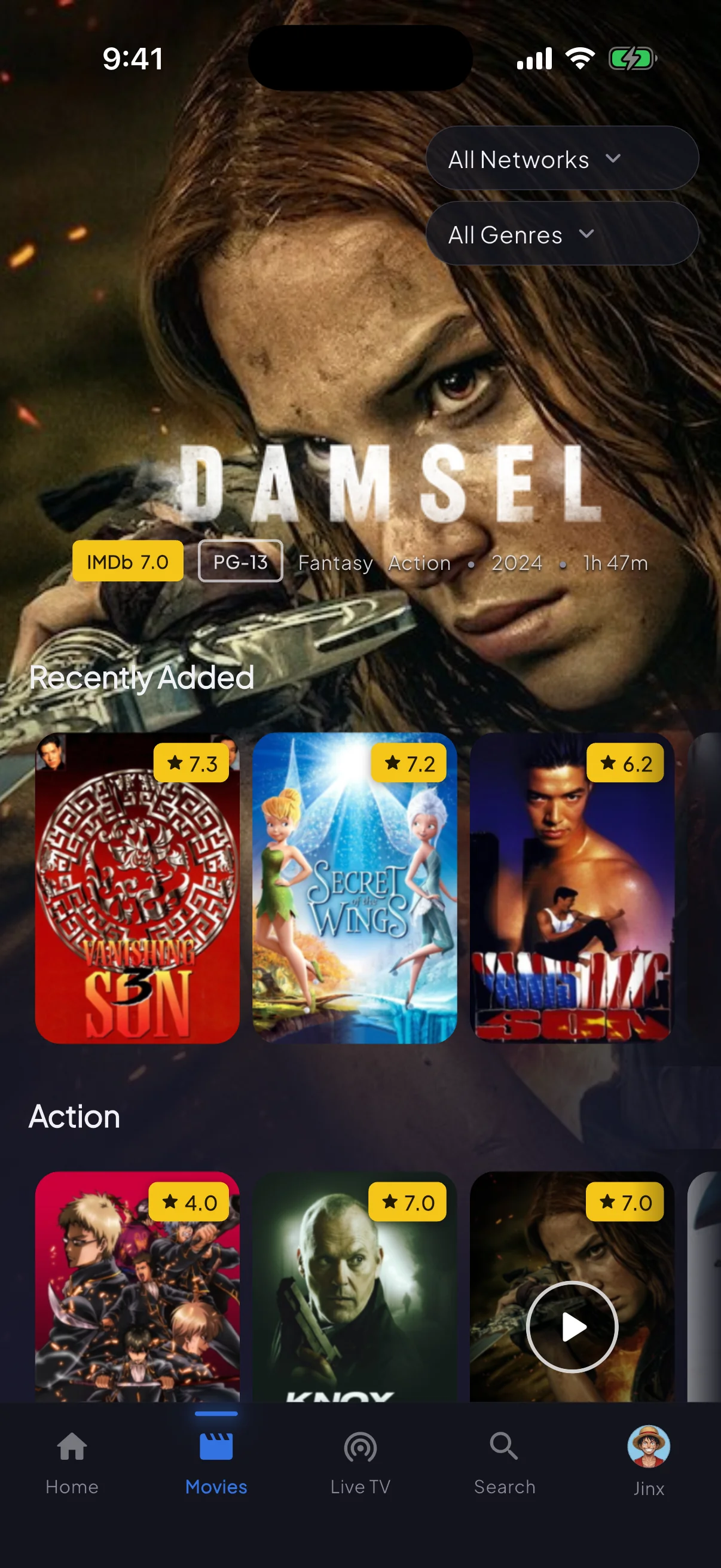
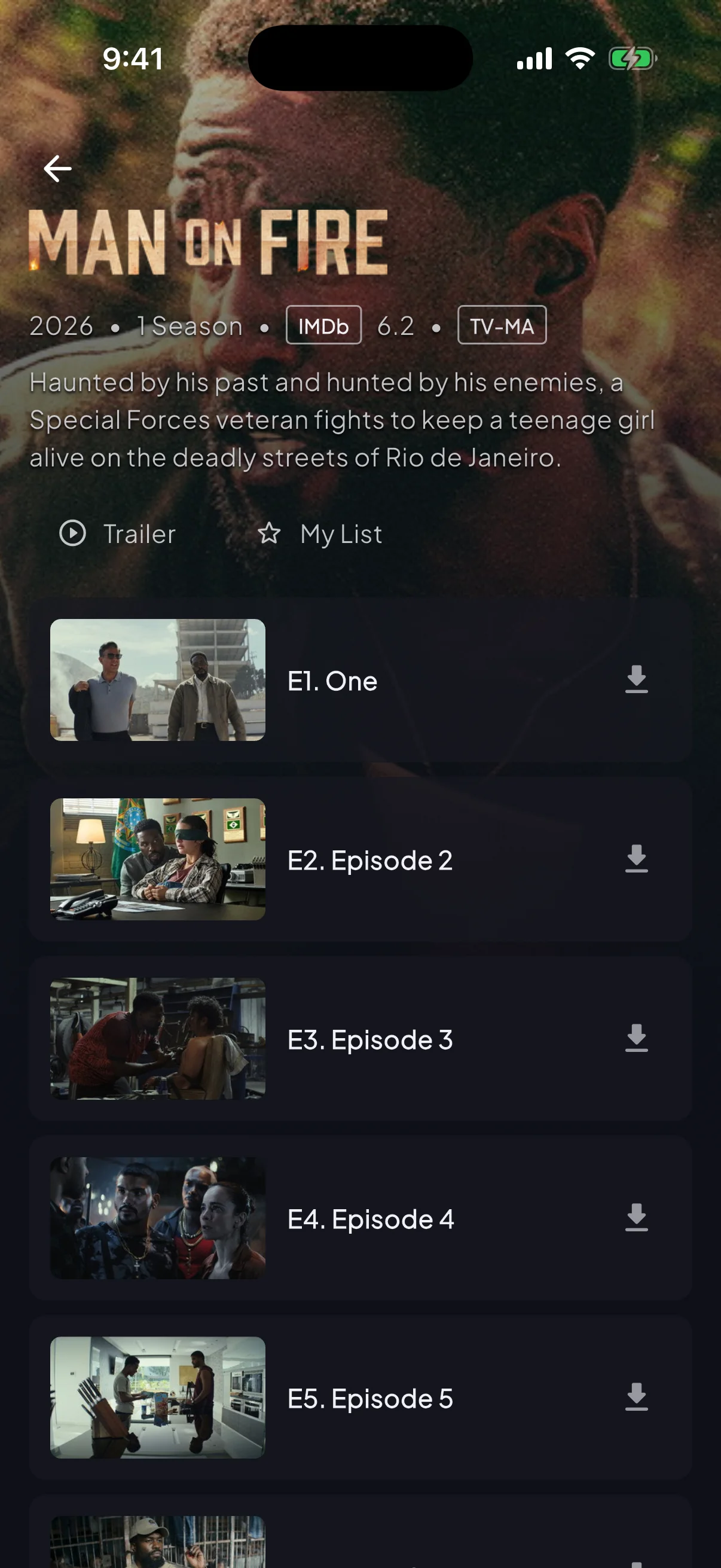
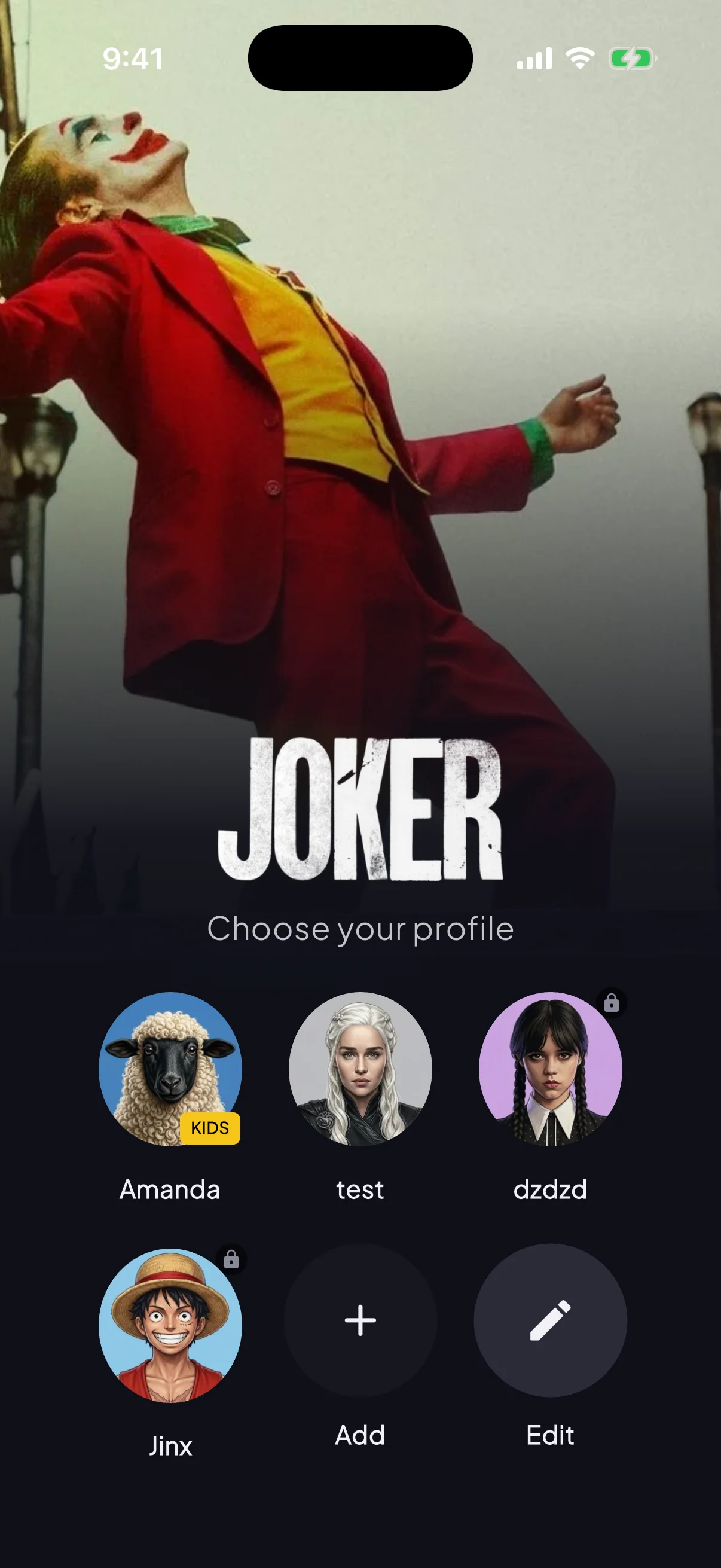
iPhone, iPad, Android — one codebase, the same lineup and the same login. Picture-in-picture, AirPlay and Chromecast are all supported.
Honest minimums. The app runs on lower specs but it'll stutter — don't buy a $25 Firestick Lite expecting smooth 4K.
For general billing or channel questions, head to the main FAQ. These are the ones specifically about how the app behaves.
No. The guide downloads in the background the first time you open the app — usually fully populated within 5–10 minutes. Channels still play normally during that window, you just have to know what you want to watch by name. Force-closing and reopening doesn't speed it up.
No. It's a live streaming app — there's nothing to download. The VOD library streams on demand.
Catchup TV gives you the last 3–7 days of programming on most channels. True DVR/PVR is on the roadmap for Android TV — not every platform will get it, because of storage constraints.
Yes on iOS, iPadOS and Android multi-window. Smart TVs and Firestick don't expose a PiP API, so it isn't available there.
Player settings → audio sync, offset by ±200ms. It's almost always an HDMI handshake issue rather than the stream itself. If the offset doesn't fix it, try a different audio track.
Yes — many subscribers do, especially where an ISP throttles streaming. The app doesn't fight VPNs. One caveat: some broadcasters geo-restrict, so a VPN exit in a country we don't carry rights for can hide certain channels.
Pick a plan, install on your first device inside 5 minutes, get credentials within 60 seconds. 30-day refund window if it's not for you.